

How to Write Better Prompts: A Practical Guide for Everyday Users
Most people type a request into ChatGPT, get a mediocre answer, and assume the tool just isn’t that smart. In most cases, the tool isn’t the problem. The prompt is. Small wording changes, adding a role, a format, or one example, routinely turn a flat, generic answer into something genuinely useful, with no new subscription or model required.
This guide breaks down how to write better prompts using the same structure that major AI providers now recommend in their own updated guidance. None of it requires technical skill. It requires a bit of structure, a little patience, and a willingness to treat the AI like a new employee who needs clear instructions rather than a mind reader.
Key Takeaways
- A clear prompt usually includes four or five parts: role, task, context, audience, and format, skipping context is the most common mistake.
- “One prompt, one deliverable” works better than stacking several requests into a single message.
- Giving the AI an example of the output you want (few-shot prompting) is one of the fastest ways to improve results for non-experts.
- Treat the first AI response as a draft. Iteration and follow-up questions are standard practice, not a sign you did something wrong.
- AI tools can sound confident while being wrong, so verification matters more than prompt polish alone.
Why Prompt Quality Matters More Than People Think
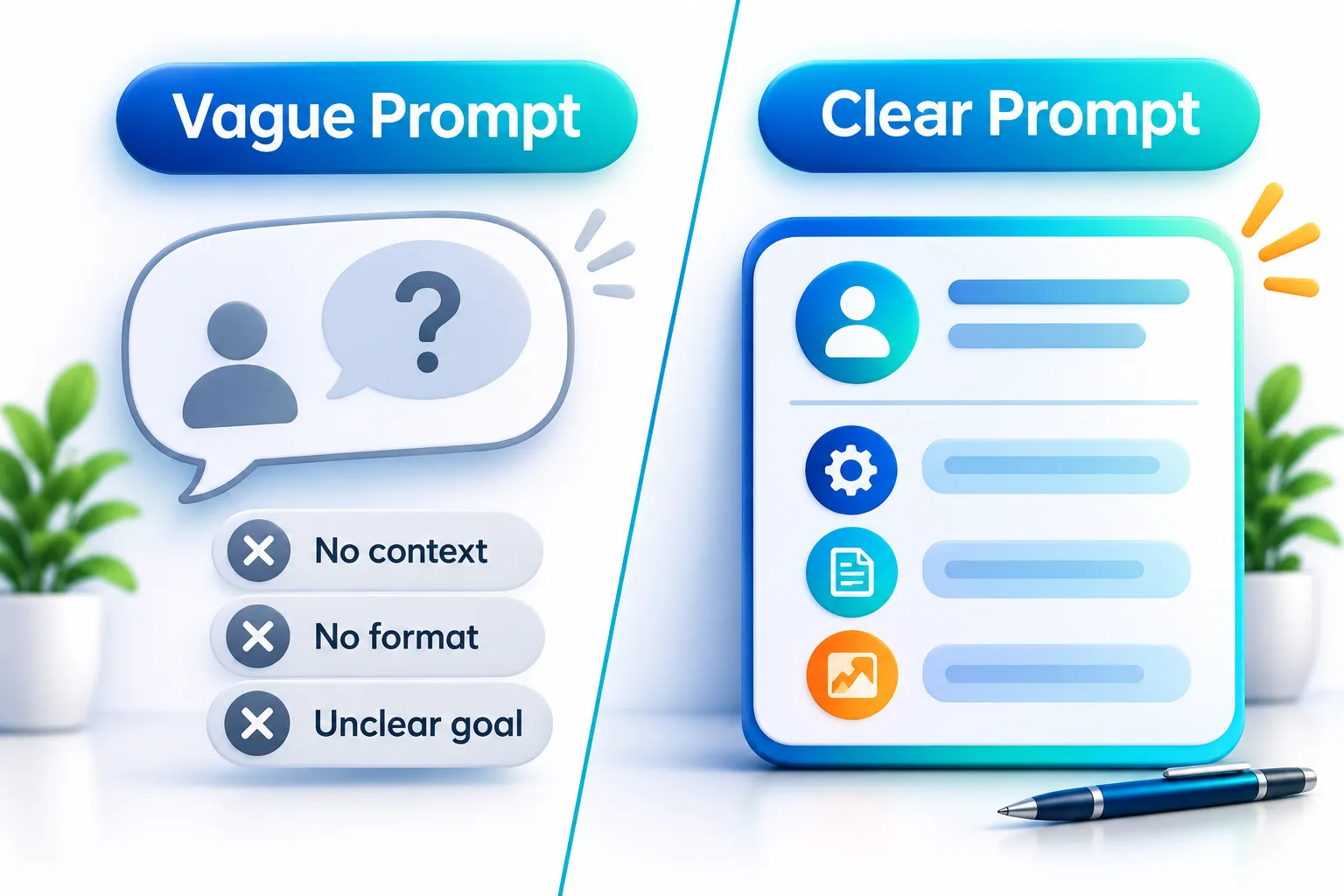
Every AI chatbot, ChatGPT, Claude, Gemini, Grok, and others, generates a response based entirely on the words you give it, plus whatever it can infer from context. There’s no hidden understanding of your job, your client, or your intent unless you supply it. A vague prompt produces a vague answer because the model is filling in gaps with generic assumptions.
This is what actually matters for everyday users: prompting isn’t about finding secret “magic words.” It’s about removing ambiguity. The clearer your input, the less guessing the model has to do, and the closer the first draft lands to something usable.
For a broader look at how these tools are evolving, see Practical AI coverage at Tech Clearly, which tracks changes across major assistants as they roll out new capabilities.
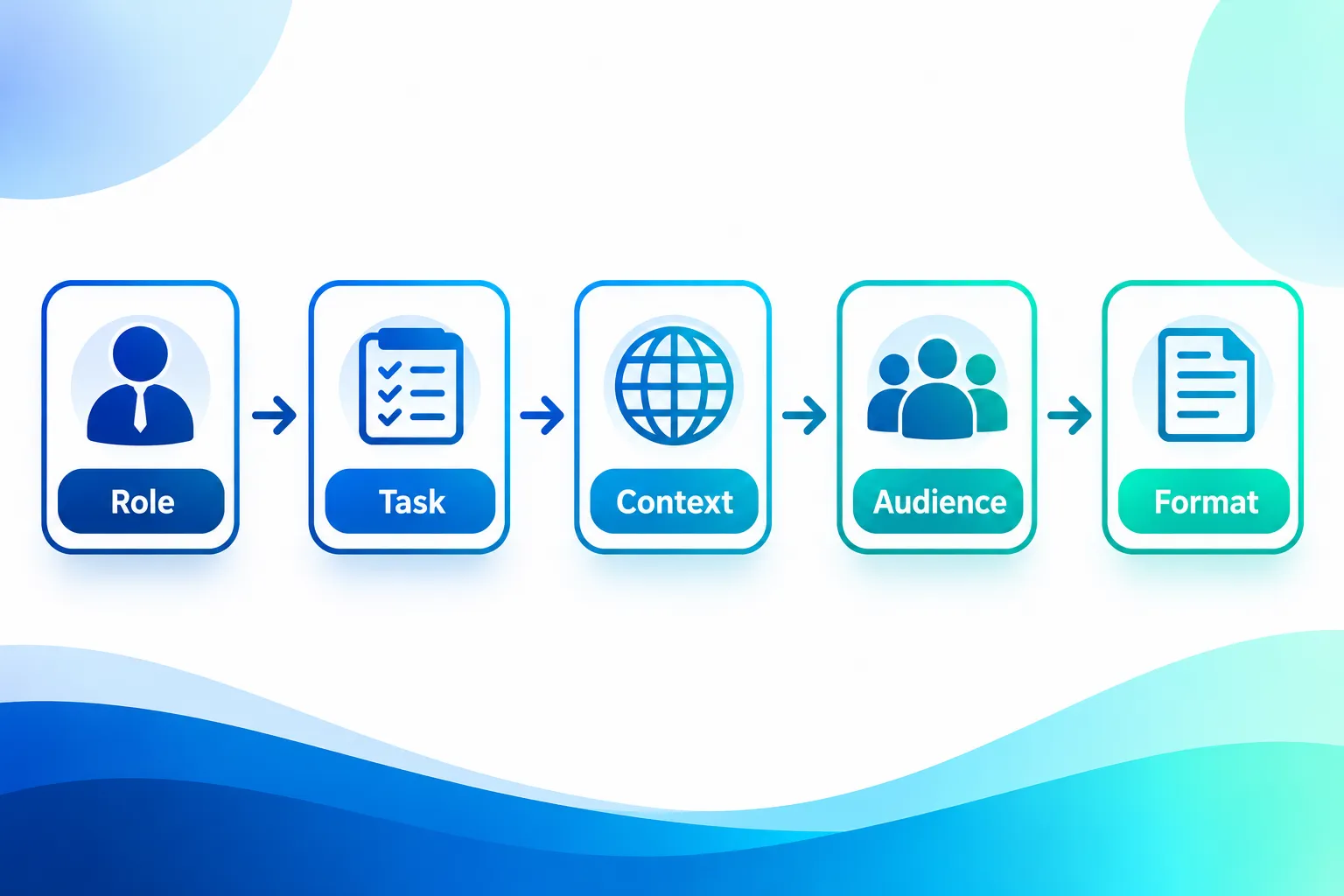
The Core Structure: Role, Task, Context, Audience, Format
Most official prompting guides published by AI providers in late 2026 converge on a similar structure, even though they use slightly different terminology. For everyday use, five elements cover nearly every situation:
- Role, Who should the AI act as? (“Act as a small-business bookkeeper,” “Act as a copy editor.”)
- Task, What exactly do you want done? Be specific about the action: summarize, draft, compare, rewrite, explain.
- Context, Background information the AI needs: the document, the situation, prior decisions, constraints.
- Audience, Who will read or use the output? A technical team, a client, a teenager, a board member.
- Format, How should the answer look? Bullet points, a table, a 200-word summary, a formal email.
Here’s a simple before-and-after example:
Weak prompt: “Write something about remote work.”
Stronger prompt: “Act as an HR consultant. Write a 300-word internal memo explaining our new hybrid work policy to employees who currently work fully remote. Use a friendly but professional tone, and end with three bullet points summarizing what changes next month.”
The second version doesn’t require more effort to write, it just answers questions the model would otherwise have to guess at.
Context and Background Information Are No Longer Optional
Older prompting advice treated background context as a nice-to-have. Current guidance from major AI providers treats it as essential. If you’re asking for a product description, the model needs to know the product, the audience, and the tone of your brand. If you’re asking for help editing a report, paste the relevant section rather than describing it from memory.
A practical habit: before you hit enter, ask yourself “Would a new freelance contractor understand this task with zero other information?” If the answer is no, add the missing piece. This single habit resolves more bad outputs than any clever phrasing trick.
This matters especially for longer documents. If you’re working with lengthy reports or contracts, it helps to pair good prompting with a dedicated approach to summarization, see how to summarize long documents with AI without losing key details for a step-by-step method.
One Prompt, One Deliverable
A common habit among new users is cramming five requests into a single message: “Write a blog post, then make a tweet version, then suggest three headlines, then translate it to Spanish.” Each of these is a separate task, and asking for all of them at once increases the odds that at least one gets rushed or ignored.
Practical guidance: scope each prompt to one output. Once you have that output, ask a follow-up for the next one. This is part of why conversational AI tools work in a chat format rather than a single-shot command line, iteration and conversational refinement are the point, not a workaround.
Use Examples: Few-Shot Prompting for Everyday Users
One of the most effective, and most underused, techniques for non-experts is showing the AI an example of the output you want, rather than only describing it. This is sometimes called few-shot prompting, but the concept is simple: show, don’t just tell.
For example, instead of asking the AI to “write a product description in our brand voice,” paste two existing descriptions you like and say: “Match this tone and structure for the following product.” The model has something concrete to pattern-match against, which produces far more consistent results than a tone description alone.
This works well for:
- Matching a specific writing style
- Formatting data consistently (give one row as a template)
- Replicating the structure of a report or email you’ve used before
Controlling Tone, Role, and Audience
Everyday work often requires the same information delivered differently depending on who’s reading it. A single fact, “the project is two weeks behind schedule”, needs a different tone for a client update, an internal Slack message, and a formal board memo.
Specifying audience and role lets you reuse the same underlying request while controlling complexity and tone:
| Instruction added | Effect on output |
|---|---|
| ”Explain like I’m new to this topic” | Simplifies jargon, adds definitions |
| ”Write for a skeptical client” | Adds reassurance, fewer absolute claims |
| ”Keep it under 100 words” | Forces prioritization of key points |
| ”Use a formal tone” | Removes contractions, casual phrasing |
This level of control is one reason AI assistants have become standard tools in day-to-day professional work, not just for drafting from scratch. For more on how different assistants handle tone and style differently, see ChatGPT vs Claude vs Gemini: which AI fits your work style.
Formatting, Length, and Structure Requests
Don’t assume the model knows how long or how structured you want the output. Explicit formatting instructions are now considered core best practice rather than an advanced technique. Useful phrases to include:
- “Respond in a numbered list, not paragraphs.”
- “Limit the answer to 150 words.”
- “Use a table with three columns: Option, Pros, Cons.”
- “Write it as an email with a subject line.”
Skipping this step is one of the most common reasons people feel an AI tool gave them “too much” or “not what I needed”, the model wasn’t told what shape the answer should take.
Iterating: Treat the First Answer as a Draft
A first response from any AI tool is rarely final, and that’s expected behavior, not a failure. Step-by-step refinement looks like this:
- Send your structured prompt.
- Read the draft and identify what’s missing or off-tone.
- Reply with a specific correction: “Make this more concise” or “Add a line about budget impact.”
- Repeat until the output matches what you need.
This conversational back-and-forth is a core part of everyday work with AI tools, and it’s far faster than trying to write one perfect prompt upfront. Companies rolling out institutional AI training for staff in 2026 have largely shifted toward teaching this iterative habit rather than memorizing rigid prompt templates.
Guardrails: Don’t Treat AI as an Oracle
Clear prompting improves output quality, but it does not guarantee accuracy. AI models can still produce confident-sounding statements that are incorrect, outdated, or fabricated, a known limitation sometimes called hallucination. Better prompts reduce ambiguity; they don’t eliminate the need to check facts, figures, names, and citations before using AI output in anything that matters.
For a closer look at why this happens and how to catch it, see AI hallucinations explained: why AI makes things up and how to catch it. If your work involves research or sourcing, it’s also worth reviewing how to verify AI research, sources, and citations before publishing or sharing AI-assisted work.
Practical Tradeoffs: Structured Prompts vs Quick Questions
Not every interaction needs the full role-task-context-audience-format structure. For a quick fact check or a casual rewrite, a short direct question is fine. The structured approach pays off most when:
- The output will be shared externally (client, boss, public audience)
- The task is complex or has multiple requirements
- You’ve already gotten a disappointing answer from a simpler prompt
Here’s a clear comparison of when each approach fits:
| Situation | Best approach |
|---|---|
| Quick definition or fact | Short, direct question |
| Client-facing email or report | Full structured prompt with role, audience, format |
| Brainstorming ideas | Loose prompt, then refine conversationally |
| Repeated task (weekly report) | Build a reusable template prompt |
How This Fits Into Broader AI Tool Choices
Prompting skill transfers across tools, but interface and plan limits still affect how much you can do in a single conversation. If you’re deciding whether a paid plan is worth it for heavier prompting and iteration, see ChatGPT Plus vs Free: is the $20 plan worth it for a plan-level breakdown. As newer models add features like visual reasoning, prompting for those capabilities works similarly, structure still matters, as covered in GPT-6.1 Terra: visual reasoning and computer control for daily work.
Model names, plan limits, and interface details change often. Last verified November 2026; check current provider documentation before assuming a specific feature or limit still applies.
FAQ
Do I need to learn special prompt engineering skills? No. The structured approach in this guide, role, task, context, audience, format, covers the vast majority of everyday needs. Deep technical prompt engineering matters more for developers building automated systems.
Why does the AI sometimes ignore part of my prompt? Very long or multi-part prompts increase the chance that one instruction gets dropped. Splitting requests into separate messages, as described in the “one prompt, one deliverable” section, usually fixes this.
Does a better prompt guarantee an accurate answer? No. Prompting improves clarity and relevance, not factual reliability. Always verify names, numbers, dates, and claims independently, especially for anything published or shared professionally.
Is few-shot prompting difficult to set up? Not for everyday use. It simply means pasting one or two examples of the output style you want before asking for a new one. No special syntax is required in most consumer chat tools.
Should I write prompts differently for ChatGPT, Claude, and Gemini? The core structure works across tools, though each has slightly different strengths and response styles. See the comparison of ChatGPT, Claude, and Gemini for practical tradeoffs between them.
How do I know if my prompt is too vague? If you could imagine three very different, equally valid answers to your own prompt, it’s too vague. Add the missing role, context, or format detail until there’s only one reasonable interpretation.
Conclusion
Writing better prompts isn’t a technical skill reserved for developers, it’s a habit of being specific about role, task, context, audience, and format before you hit enter. Pair that structure with realistic expectations: treat the first response as a draft, iterate with follow-up messages, and verify anything that matters before you rely on it.
Start small. Pick one recurring task you already do with AI, a weekly report, a client email, a social post, and rewrite your usual prompt using the five-part structure. Compare the result to what you’d normally get. For most everyday users, that single change is enough to notice a real difference in output quality, without needing a new tool, a new subscription, or any technical background. For more practical guidance on getting more out of AI tools day to day, browse Productivity & Workflows at Tech Clearly.
Meta Title: How to Write Better Prompts: A Practical Guide for Users
Meta Description: Learn how to write better prompts with a practical, step-by-step guide covering structure, context, examples, and iteration for everyday AI use.
Tags: prompt writing, AI prompting tips, ChatGPT prompts, few-shot prompting, generative AI, prompt engineering basics, AI for beginners, productivity with AI, conversational AI, AI best practices, prompt structure, everyday AI use
Contributing writer at Tech Clearly.